Creative Guide
This page has details of what we need to launch your site takeover on RunGuides.
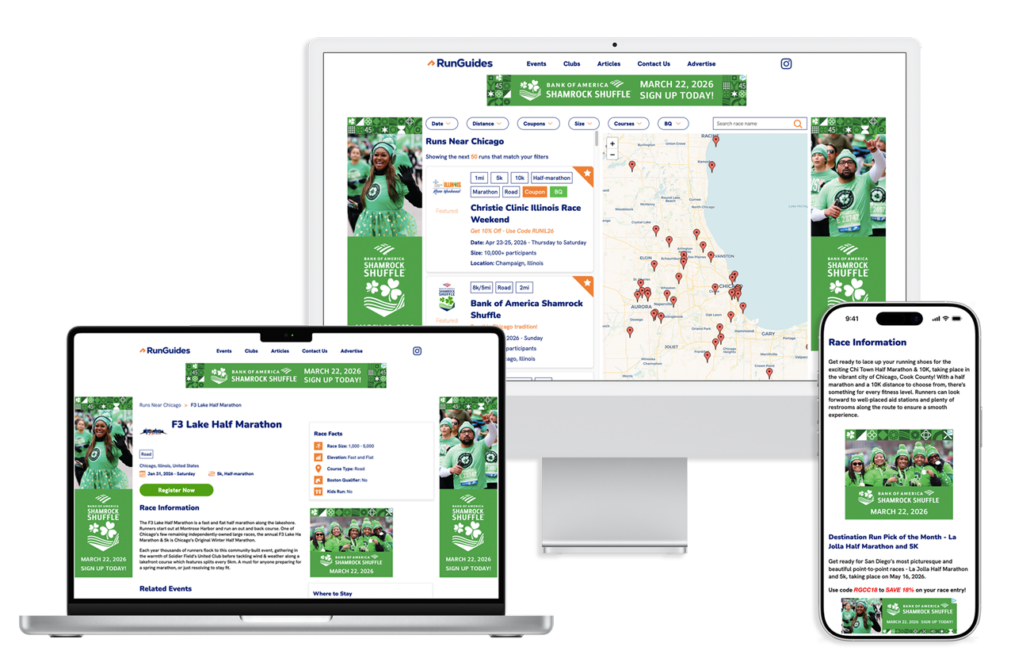

This page has details of what we need to launch your site takeover on RunGuides.
We need the following pieces of creative to launch your site takeover.
Avoid any weird special characters in your filenames. Symbols like ® or % can cause issues with display and tracking.
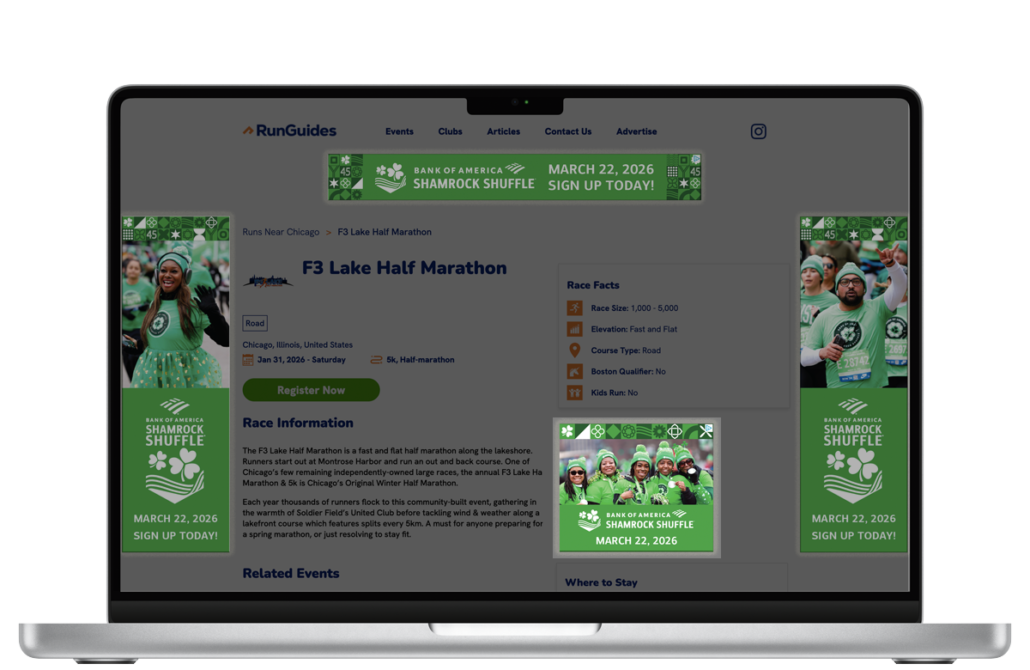
Displays on all event pages on desktop/laptop and mobile screens.
Dimensions: One 600 x 500 pixel and one 300 x 250 pixel image
Format: .jpg, png, HTML5 or .gif file
File size: Max file size of 200KB
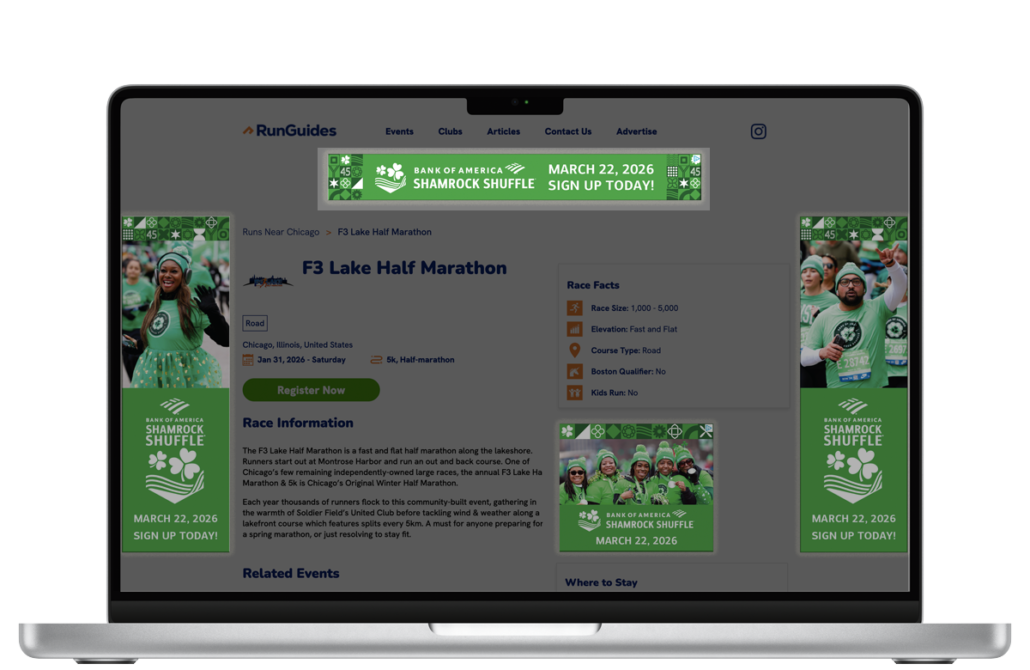
Displays at the top of every page on laptop/desktop screens. Displays at the bottom of all pages on standard size tablets.
Dimensions: One 1456 x 180 pixel and one 728 x 90 pixel image
Format: .jpg, png, HTML5 or .gif file
File size: Max file size of 200KB
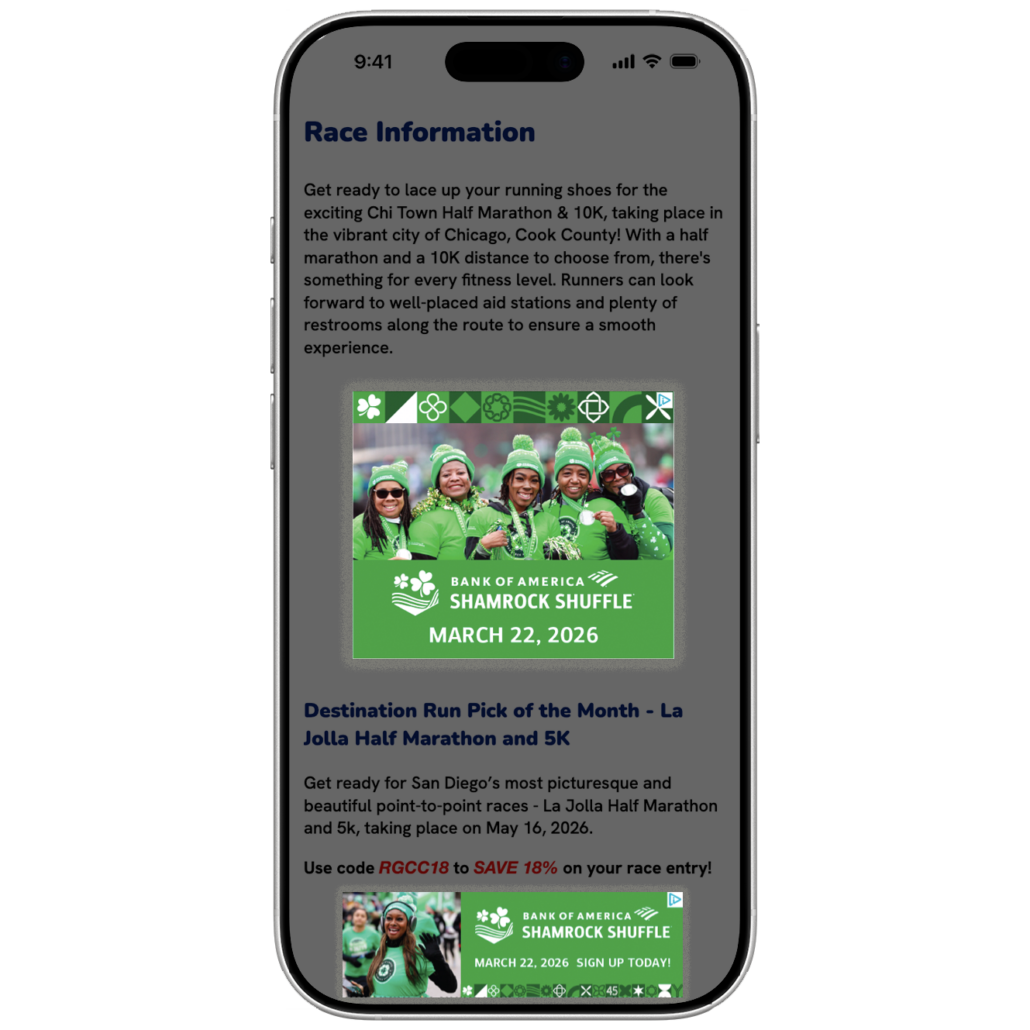
Displays on all mobile site pages
Dimensions: One 640 x 200 pixel and one 320 x 100 pixel image
Format: .jpg, png, HTML5 or .gif file
File size: Max file size of 200KB
Displays on all non-mobile pages on the left and right sides of the site
Dimensions: Two images; 320 x 1200 pixels each
Format: .jpg or .png file
File size: Max file size of 250KB per panel
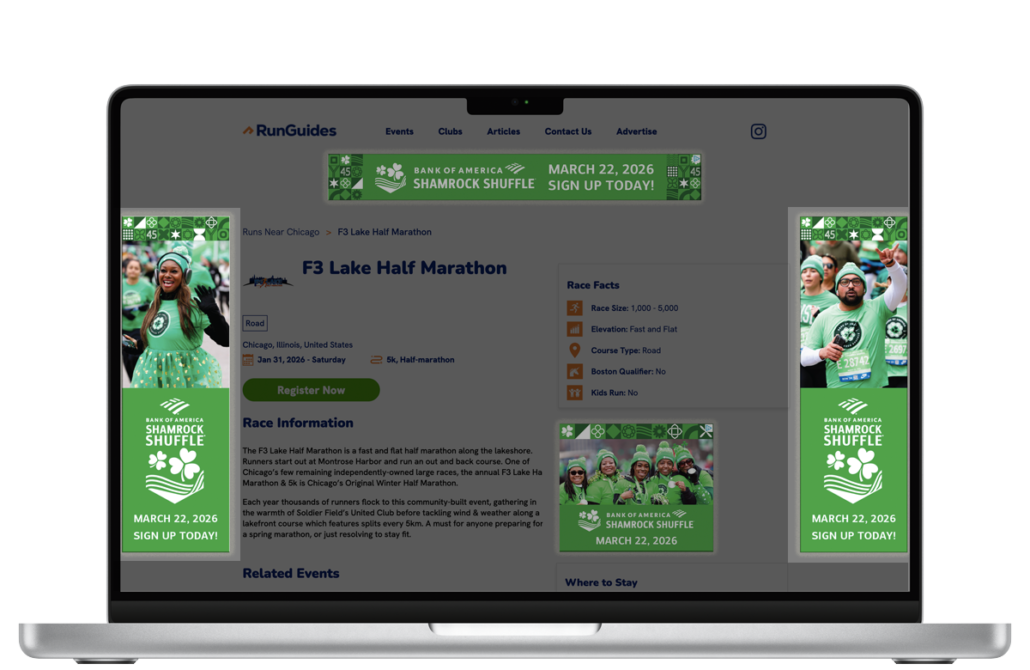
Why do you need two sizes of each banner?
So that your banners show nice and crisp on devices that have retina display.
A 300 x 250 pixel medium rectangle banner will look blurry on retina display monitors due to the screen resolution. We add both creative sizes that you send us into Google Ad Manager (the system we use to manage banners on RunGuides), it detects if the user is on retina, and if they are, displays the higher resolution image.
What system do you use to run your on site media?
We use Google Ad Manager to run all media on the site. This allows us to do all sorts of fun stuff around media targeting and split testing.
Can I give you multiple creatives?
Yes! We highly recommend testing at least two variations of your banner (not wallpaper) creative at the same time. Our system will automatically display the more effective creative the most.
Can you run ads from a third party?
We are able to run media from most third party servers. Connect us with your agency contact and we will work with them to implement the banner code.
When do I need to submit creative by?
In order to make sure that your campaign gets activated in time we need to receive and approve your creative at least 1 week prior to your campaign date.
300x250 Banner Tips
320x100 Mobile Banner Tips
Wallpaper Tips